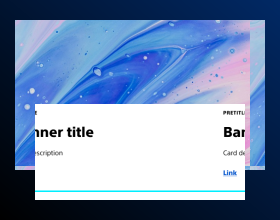

- Usage
- Styles
- Accessibility
Usage
Page headers are designed to orient users by clearly identifying the page or section. They reinforce branding and visual consistency, and may provide additional context with supporting text.
Common usage includes:
- Top of content pages
- Section headers within long-form content
- Landing page introductions

Dos and don'ts
Do:
- Maintain consistent typography and spacing across headers
- Use brand-approved colors and imagery
- Ensure the header does not compete visually with primary content
- Avoid excessive text; keep titles short and impactful
- Maintain consistent typography and spacing across headers
Don’t:
- Use headers that compete visually with primary content
- Use excessive text; keep titles short and impactful
Optional section header
Page headers can also contain an optional section header, providing additional context with supporting text where appropriate.
Location and page title
Page headers are only allowed at the top of the page below the breadcrumbs, and must contain a page title.
Styles
Styles are used to visually amplify the Boston Scientific brand. Styles carry different brand or functional treatments that bring a distinctive look to our webpages while also helping to emphasize key information.
Using the brand treatment
The brand treatment should be used to visually emphasize content and provide a more tailored and distinctive look and feel to a webpage. Be mindful not to overuse and avoid treatment competing with other imagery. Ensure a balanced visual hierarchy.
This treatment is applied by selecting a treatment type and treatment color.
Available treatment types
- Default
- Pretitle
Available treatment colors
- Default
- Accent
- Assertive
- Ghost
- Subtle