Templates

Explore template guidelines and examples for BostonScientific.com.

PROGRESS UPDATE

The style guide is still a work in progress and there are still several areas being refined and templates still being added: 

  • We are still adding Patient and Caregiver templates, so not all navigation on the template landing page works as expected
  • Most template documentation is incomplete, notably, content guidelines and related templates are still being worked on
  • Several templates are still being worked on

*If you noticed any issues, please submit a request or reach out to the UX team with details

Browse templates

Medical specialty page

Use this template to enable broad exploration of a specialty, provide clear pathways to product information, and surface specialty information that aligns to how healthcare professionals think clinically about their specialty.

Product detail page

Use this template to provide comprehensive, credible product information to help healthcare professionals evaluate, decide, and purchase a product.

Flagship product page

Use this template to provide comprehensive, credible information about a system or complex product to support evaluation and adoption decisions by healthcare professionals.

Portfolio landing page

Use this template to enable broad exploration of a specialized group of products (may not align to traditional product grouping definitions), provide clear pathways to product information, and highlight how these products solve a clinical problem.

null

Banner

Banners are containers for organizing related content and actions.

null

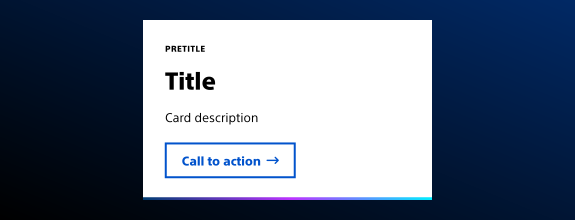
Card

Cards are containers for organizing related content and actions.

null

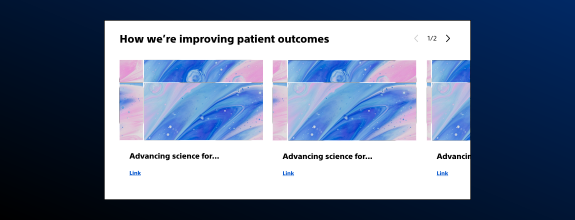
Carousel

Carousels are used to fit a lot of content into a small space. Because carousels are common anti-patterns, this component is used by approval only.

null

Embed

Embed allows third-party content to be added to a page. Media can be added from a supported URL, a pre-configured embeddable URL, or with safe freeform HTML.

null

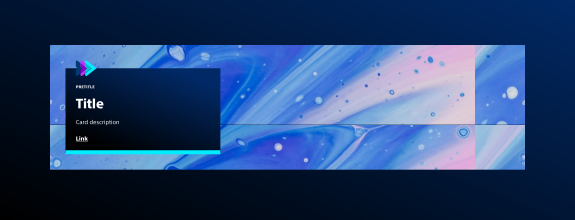
Hero

Heroes are containers for emphasizing promotional or important content.

null

Image

Image allows a single image asset to be added to the page.

null

Page header

Page headers are containers for showing a page title without a hero image.

null

Text

Text is used for body text content.

null

Title

A title is a heading for the page or a page section.

null

Breadcrumb

Breadcrumbs are text links at the top of the page that locate the user within the navigation hierarchy.

null

Primary navigation

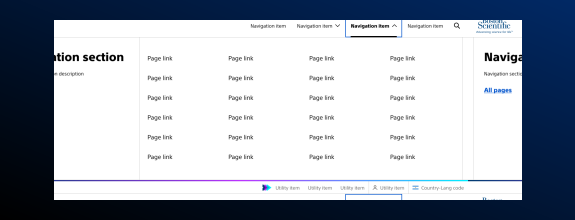
Primary navigation lives at the top of the page and contains top-level navigation items and company branding. It can contain global site search, utility navigation, and primary actions.

null

Secondary navigation

Secondary navigation is a group of links that allow the user to navigate within a section of a site.

null

Tertiary navigation

Tertiary navigation is a group of jump links that allow the user to quickly see and navigate to relevant sections of content on a page.

null

Wizard navigation

The wizard navigation is a custom component designed to funnel the user through a drill down tree to deliver them to a more detailed or personalized navigation link.