- Usage
- Variations
- Styles
- Accessibility
Usage
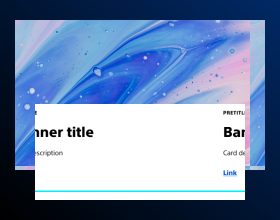
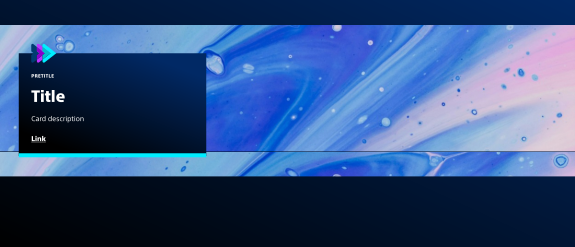
Heroes are designed to establish the primary focus of a page and provide a visually compelling entry point for users. Heroes also reinforce brand identity through imagery and typography.
Heroes live at the top of the page and usually contain a header, call-to-action, and description, as well as image, branding, and styling options.
Common usage includes:
- BSC homepage
- Detail pages for patients and HCPs
- Campaign landing pages
Dos and don'ts
Do:
- Use high-resolution images aligned with Boston Scientific brand standards.
- Keep headlines concise and action-oriented.
- Ensure CTA text is clear and concise.
- Use a hero style with the advancing arrows on BSC.com.
- Use the same hero style on the same type of pages (e.g. Medical specialty landing page).
Don’t:
- Overcrowd the hero with excessive text.
- Include marketing language in headers on non-campaign pages or pages that are indexed.
- Add competing CTAs.
- Include imagery that doesn't help the user understand the purpose of the page or doesn't match the audience segment.
Variations
Variations are different versions of the same component with visual or structural differences depending on context.
Heroes with image options
Hero with image has several options that are configured using the teaser component.
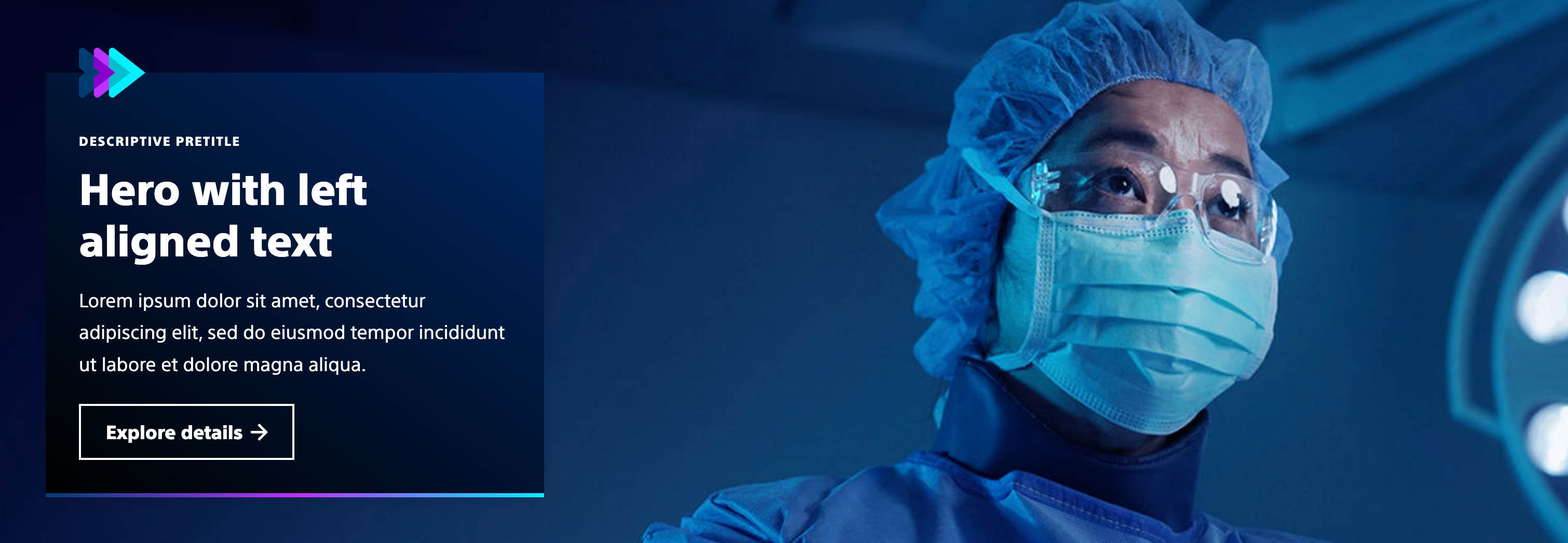
Hero with left aligned text
Usage guidelines:
Use this variation when you have a wide angle image, the entire image doesn't need to be visible on all devices,
Common usage includes:
- Treatment and condition pages
- Device support pages
- Campaign pages
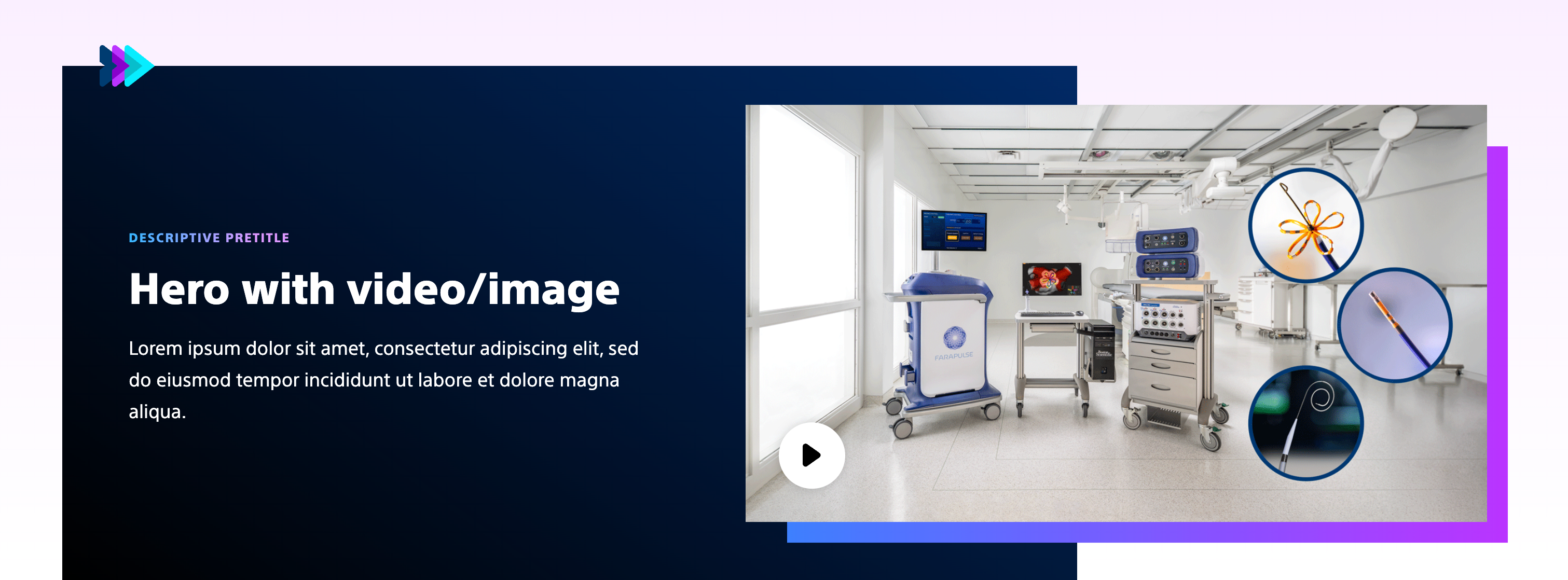
Hero with video/image
Usage guidelines:
Use this variation when you have an image or video and want to include some additional branding.
Common usage includes:
- Flagship product page
- Portfolio landing page
- Campaign pages
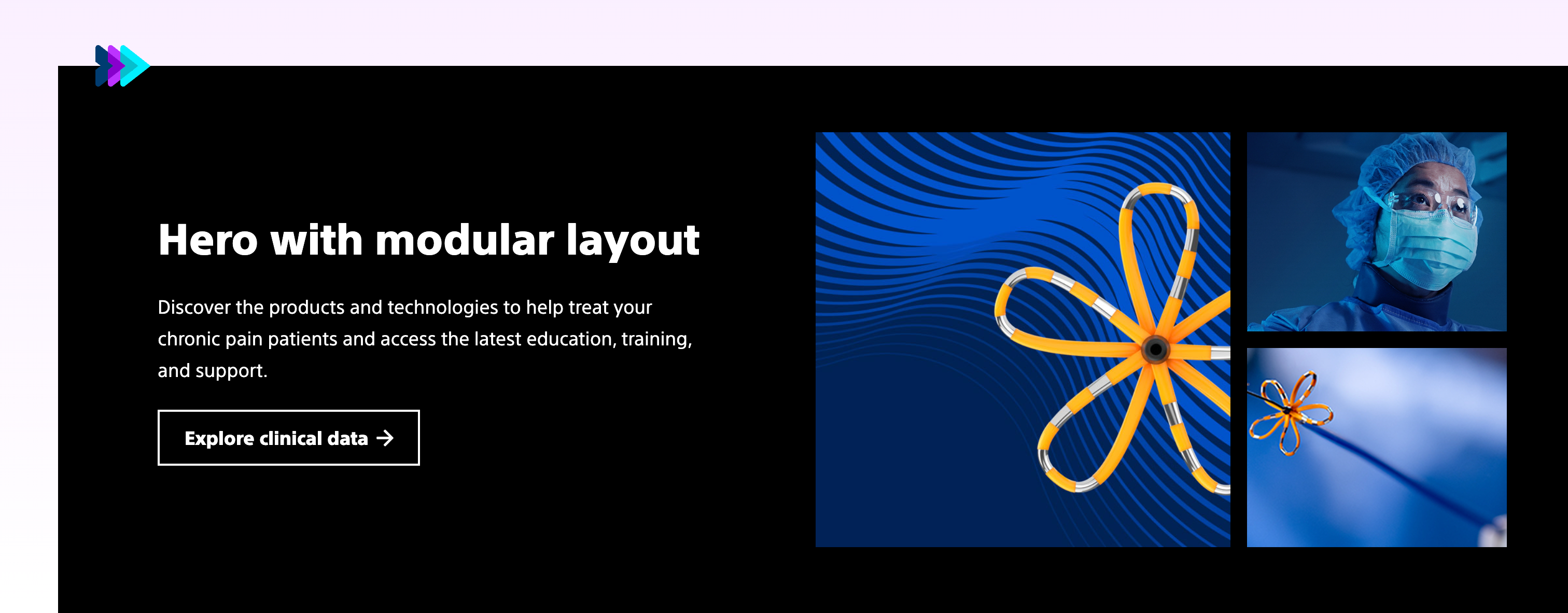
Hero with modular layout
Usage guidelines:
Use this variation to show multiple images or a combination of images and videos for a product or to show a mix of product and clinical setting imagery.
Common usage includes:
- Flagship product page
- Portfolio landing page
- Campaign pages
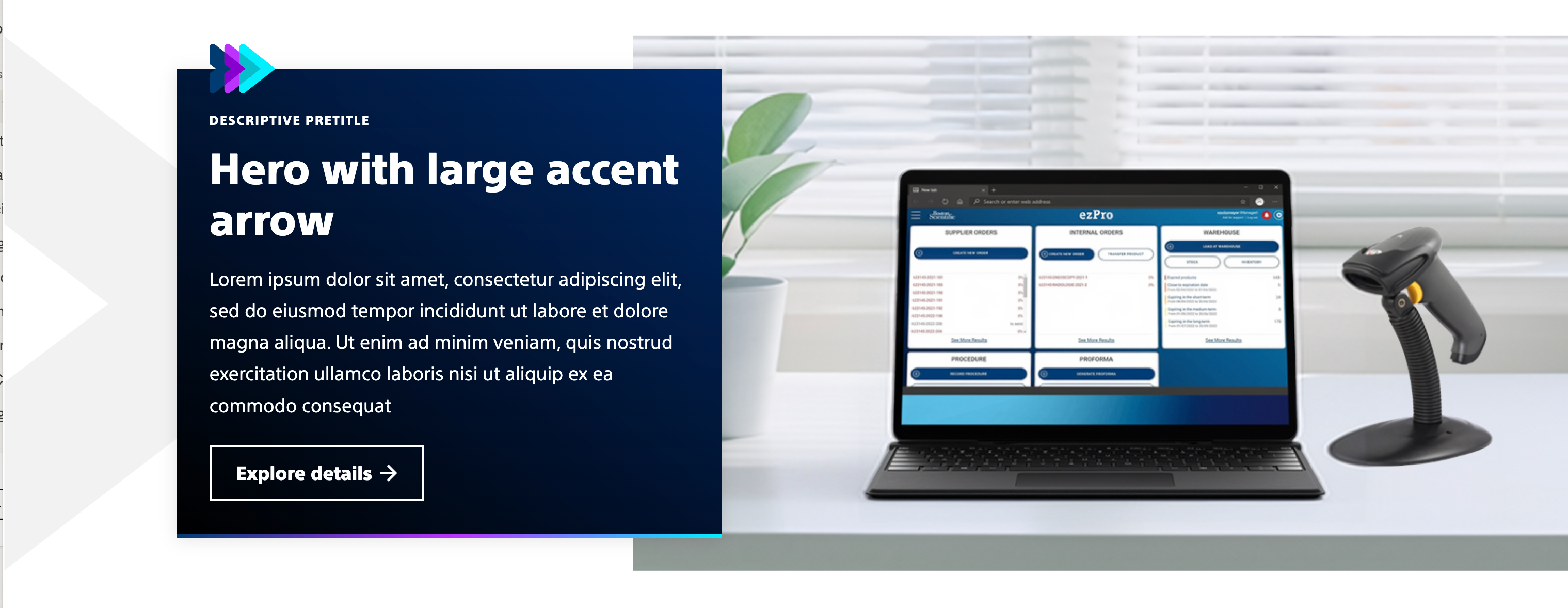
Hero with large arrow
Usage guidelines:
Use this variation when you have a single image and want to add additional branding to a campaign.
Common usage includes:
- Campaign pages
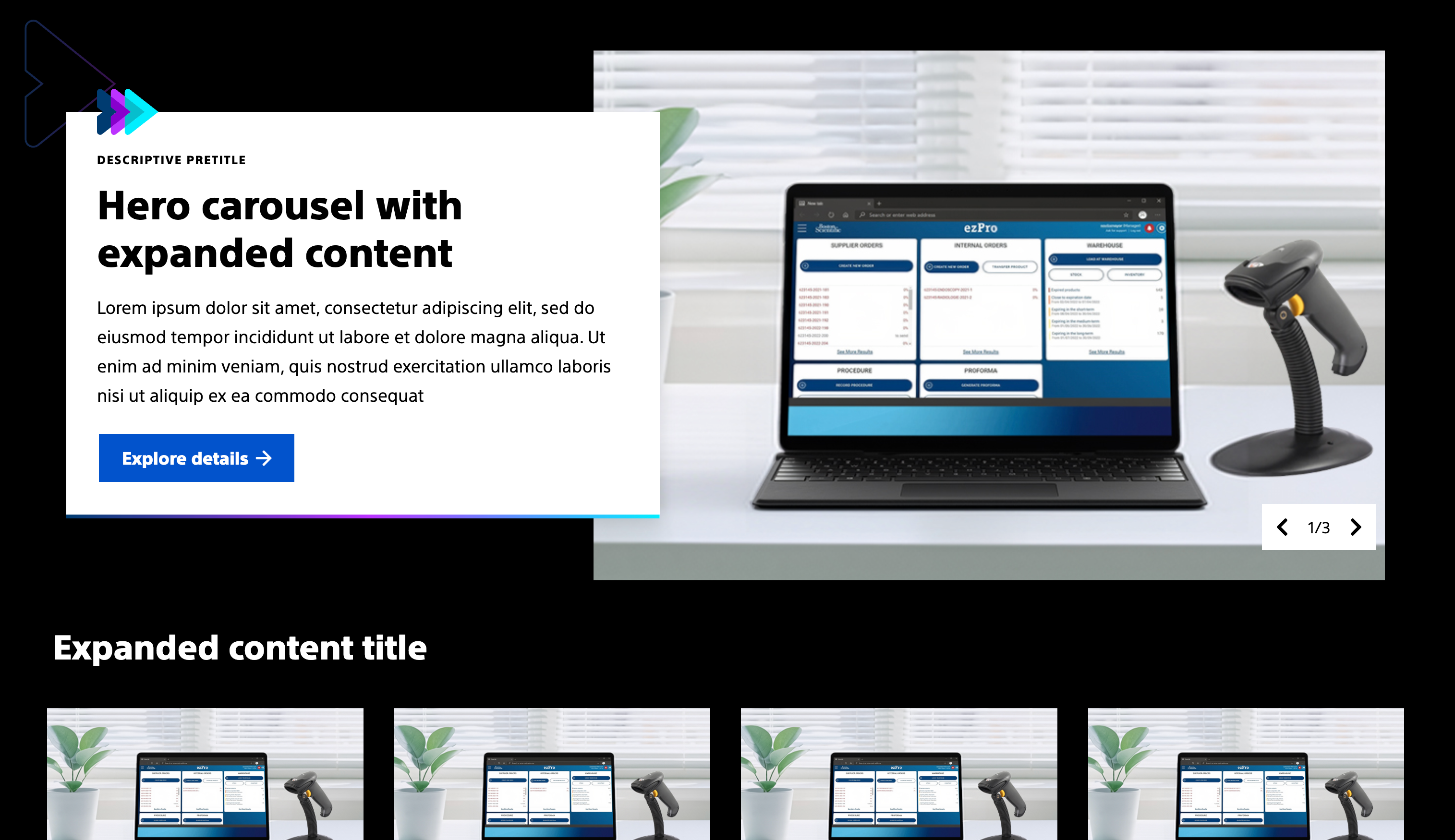
Hero carousel with expanded content
Usage guidelines:
Use this variation to connect the hero to deeper content on the page and help lead users down the page to more content.
Common usage includes:
- Campaign pages
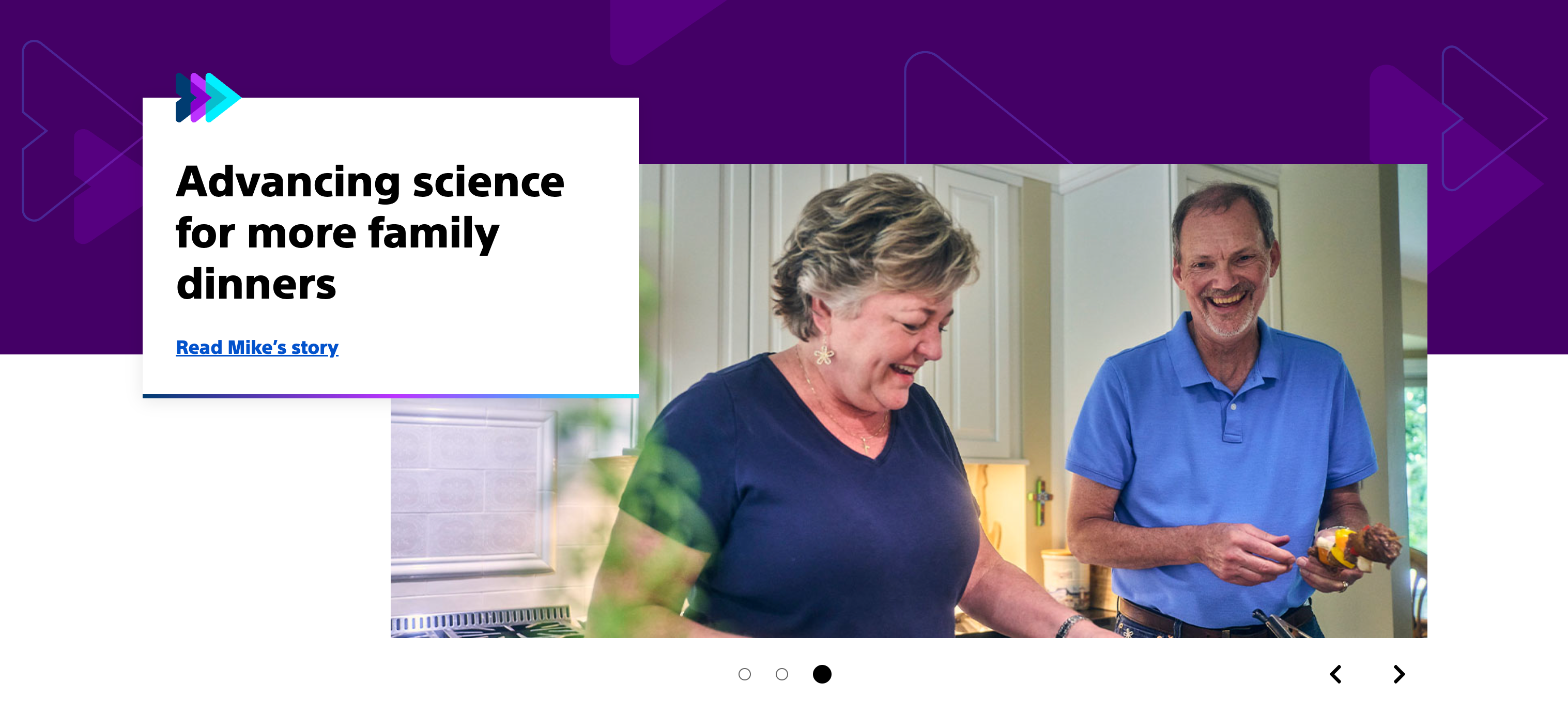
Hero with overlapping text
Usage guidelines:
This variation is used for the Boston Scientific homepage.
Common usage includes:
- Boston Scientific homepage
Heroes with text-only options
Hero without image has several options that are configured using the teaser component.
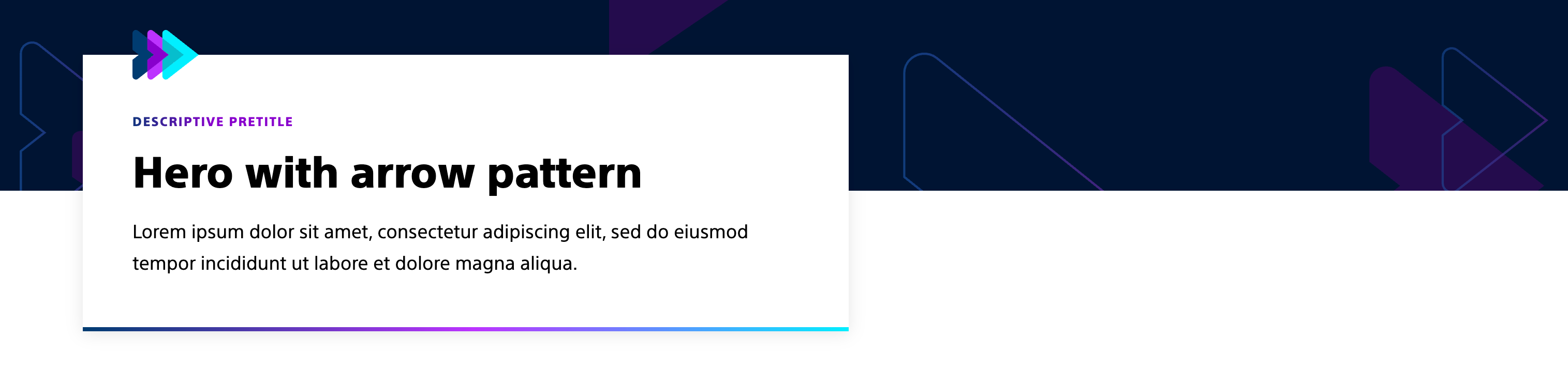
Hero with arrow pattern
Usage guidelines:
Use this variation to add additional branding to a detail page that doesn't have an image.
Common usage includes:
- Flagship child pages
- Procedure child pages
- Device support child pages
- Treatment and condition child pages

Hero with accent border
Usage guidelines:
Use this variation for transition pages or detail pages that don't have images, serving as the page's header, while including brand elements.
Common usage includes:
- Medical specialty landing page
- Product listing page
- Product landing page
- Indications, safety, and warnings
Hero with video/image
Usage guidelines:
Use this variation when you have an image or video and want to include some additional branding.
Common usage includes:
- Flagship product page
- Portfolio landing page
- Campaign pages
Styles
Styles carry different treatments: brand and functional.
Brand treatments are used to visually amplify the Boston Scientific brand. These treatments focus on elements that reinforce the brand’s identity, such as color, typography, and other visual cues that are distinctly associated with Boston Scientific.
Functional treatments are structural and help organize content on the page. These include aspects like margins, padding, and layout options that impact the technical structure and usability of the page, but are not directly tied to brand amplification.
Brand treatment options
All Hero components should use a brand treatment on BostonScientific.com. The treatment for Hero components is the 'Brand Element' which applies the Advancing Arrows to the component. This is required to help ensure a distinct and recongizable look to all webpages as soon as user lands on the page.
Additional branding treatment options can be found in each Hero configuration.
Functional treatment options
For the Hero component, functional treatments vary depending on the Hero type selected. A few rules:
- The teaser Hero should be flush with the breadcrumb component.
- Set the top margin style to 'Remove' on all Hero components, except for the Hero with text block and Hero with Accent border.
- The top margin style shoud be set to 'Decrease' for these configurations.
Additional functional treatment options can be found in each Hero configuration.
Text and image Hero components
View additional style options for each teaser hero configuration,.
Hero with left aligned text
Brand treatments:
- Brand element (Advancing arrows) - Always required
- Text block background
- Branded buttons
- Accent pretitle
Functional treatments:
- Shadow
- Image focus position
- Action style (Button vs Link)
- Top margin (Always set to Remove)
Hero with video/image
Brand treatments:
- Brand element- Advancing arrows (Required)
- Text block background
- Branded buttons
- Accent pretitle
- Hard dropshadow (Required)
- Accent frame (Required)
Functional treatments:
- Video or image
- Action style (Button vs Link)
- Top margin (Always set to Remove)
Hero with modular layout
Brand treatments:
- Brand element- Advancing arrows (Required)
- Text block background
- Branded buttons
- Accent pretitle
- Bottom gradient border
- Accent frame (Required)
Functional treatments:
- 3 images, 4 images, 2 images, mix of video and images
- Action style (Button vs Link)
- Top margin (Always set to Remove)
Hero with large arrow
Brand treatments:
- Brand element- Advancing arrows (Required)
- Text block background
- Branded buttons
- Accent pretitle
Functional treatments:
- Shadow
- Action style (Button vs Link)
- Top margin (Set to 'Remove' or 'Decrease')
Hero carousel with expanded content
This configuration is unique because it can be added to a background container to have additional content. This allows authors to add additional branding through the background container.
Background container brand treatments:
- Arrow pattern
Brand treatments:
- Brand element- Advancing arrows (Required)
- Text block background
- Branded buttons
- Accent pretitle
Functional treatments:
- Shadow
- Action style (Button vs Link)
- Top margin (Always set to Remove)
Hero with overlapping text
Brand treatments:
- Brand element- Advancing arrows (Required)
- Text block background
- Branded buttons
- Accent pretitle
Functional treatments:
- Shadow
- Action style (Button vs Link)
- Top margin (Always set to Remove)
Text-only Hero components
Hero without image has several options that are configured using the teaser component.
Hero with arrow pattern
Recommended configuration: Text block should use a white background and shadow treatment
Brand treatments:
- Brand element- Advancing arrows (Required)
- Branded buttons
- Accent pretitle
Functional treatments:
- Shadow
- Action style (Button vs Link)
- Top margin (Always set to Remove)
Hero with accent border
Recommended configuration: Text block should use a white background and top margin set to decrease.
Brand treatments:
- Brand element- Advancing arrows (Required)
- Branded buttons
- Accent pretitle
Functional treatments:
- Action style (Button vs Link)
- Top margin (Set to decrease)

Hero with text block
Recommended configuration: Text block with assetive gradient background, brand element, and top margin decrease
Brand treatments:
- Brand element- Advancing arrows (Required)
- Branded buttons
- Accent pretitle
- Background color
Functional treatments:
- Shadow
- Action style (Button vs link)
- Top margin (Set to decrease)
Accessibility
This component passes AA WCAG standards. However, changes made by the content owner or implementer could impact accessibility compliance. Be sure to follow code standards and content guidelines to ensure that this component is fully accessible.